Custom Tattoos
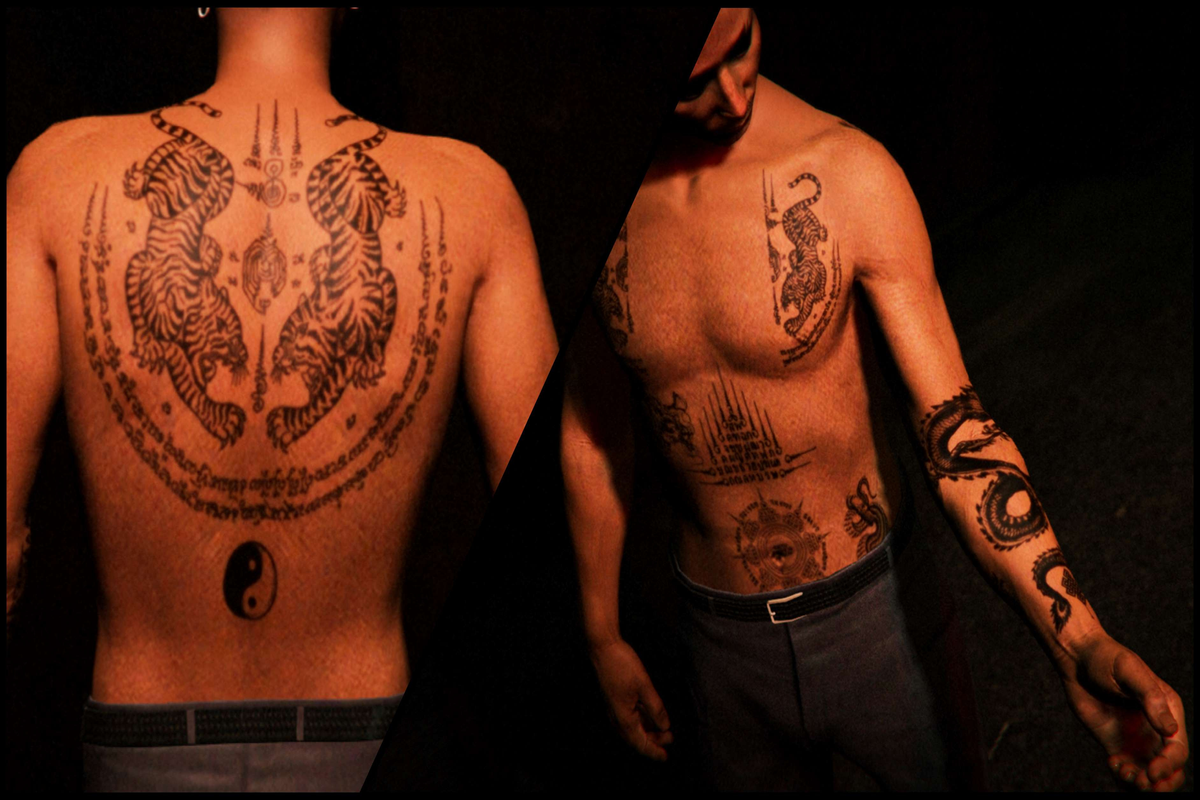
Bring your RP character to life with personalized ink. Submit your own design and choose the placement. Unique to you or your group.

How It Works
Step 1: Choose Your Image
Start by selecting the image you want to turn into a tattoo. Make sure it's high quality and appropriate for your character.
Step 2: Open the Tattoo Tool
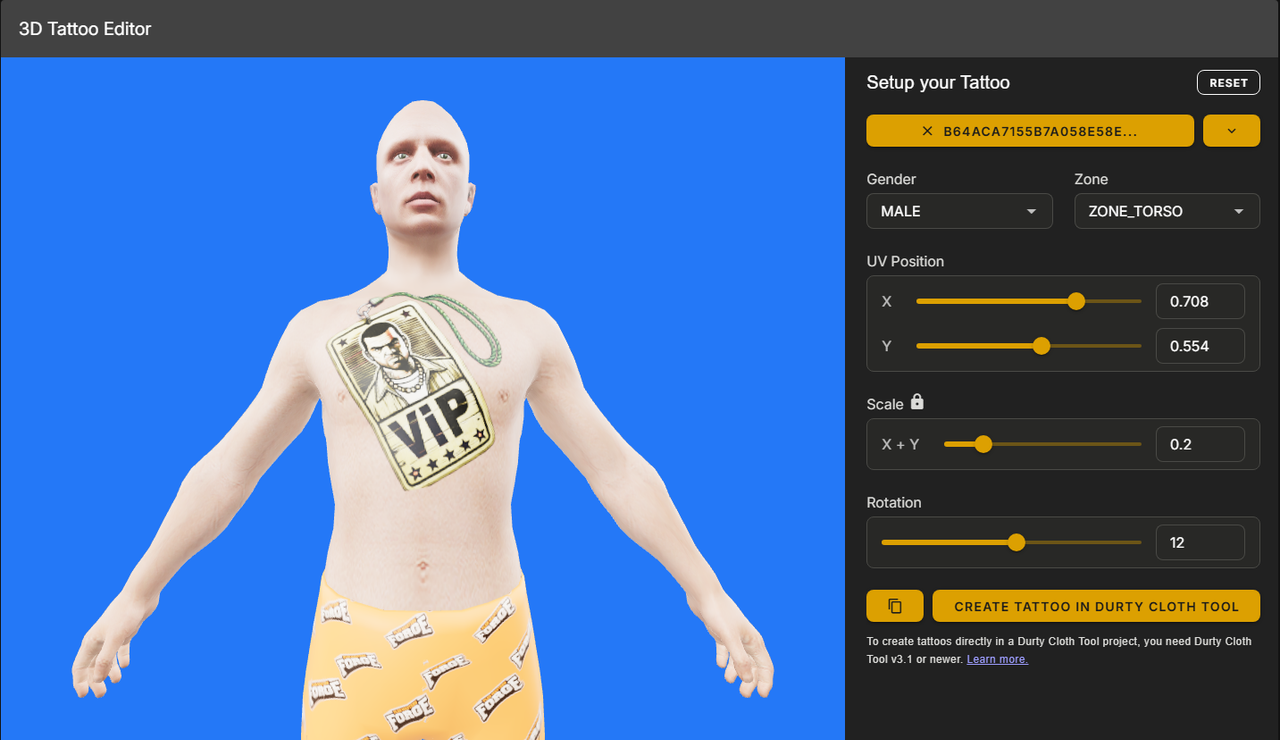
Go to the 3D Tattoo Tool:
https://forge.plebmasters.de/tattoo3d
Log in using your Discord account.
If you're not on the 3D Tattoo page, navigate to Tools > Tattoo 3D in the left sidebar.
Step 3: Upload and Configure
- Upload your selected image
- Use the Zone dropdown to select the body part
- Choose the Gender: Male or Female
- If you want the tattoo for both, configure and submit each version separately
Step 4: Adjust Placement
Use the following controls to fine-tune your tattoo:
- UV Position – Move the tattoo into place
- Scale – Adjust the size
- Rotation – Rotate the image as needed
Once you're satisfied with the placement:
- Click Copy to Clipboard to save your configuration values
- Take a screenshot of the page showing the tattoo preview and the values
Step 5: Submit Your Tattoo
After purchasing the Custom Tattoo Package, open a Payment ticket and include the following:
- Your Tebex Transaction ID
- The image you used
- A screenshot from the Tattoo Tool showing the final placement and values
Once submitted, we’ll begin processing your tattoo for in-game use.
If you need assistance, please open a support ticket in our Discord.